 Tamipo
Tiny Desk AI Video Generator
Add one to five photos and get a Tiny Desk AI video: your people take the lead singer, keys, sax and backup singer spots in a 15-second vertical clip that keeps the original sound.
9:16 vertical·No watermark
One clear photo per person, face forward, head and shoulders. Only the lead singer is required. JPG, PNG or WebP.
Lead singerRequired
Keys player
Sax player
Back left
Back right
- Pay once, no subscription
- Credits back if it fails
- No watermark
How to get your video in three steps
Three simple steps
No app, no editing.
 1
Add your photos
Upload one clear photo for each position you want to swap. Only the first position is required. Check the photo rules below.
Your photos
+ Choose a photo
2Create the video
Pay once from $6.99 and press Create. The moves come from the template. The face, hair and outfit come from your photo.
 3
Download the MP4
You get a vertical video with no watermark, ready for TikTok, Reels or Shorts. It stays in My Creations for 30 days.
Best photo for your Tiny Desk AI video
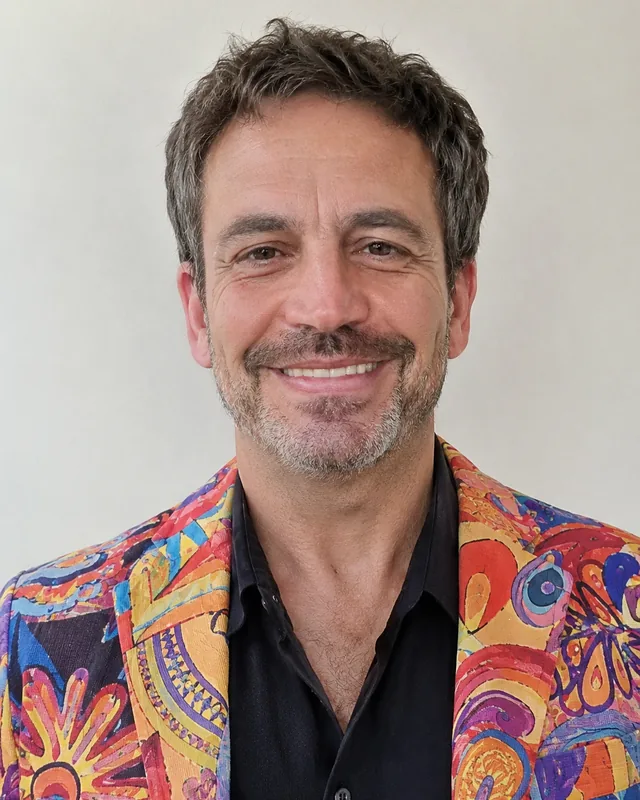
The clearer the face, the more the person in the video looks like the photo. Use one person per photo, facing the camera, in good light.
Head and shoulders, face forward
The shots in this clip are close, so the face and hair are what the video copies. Even light on the face works best.
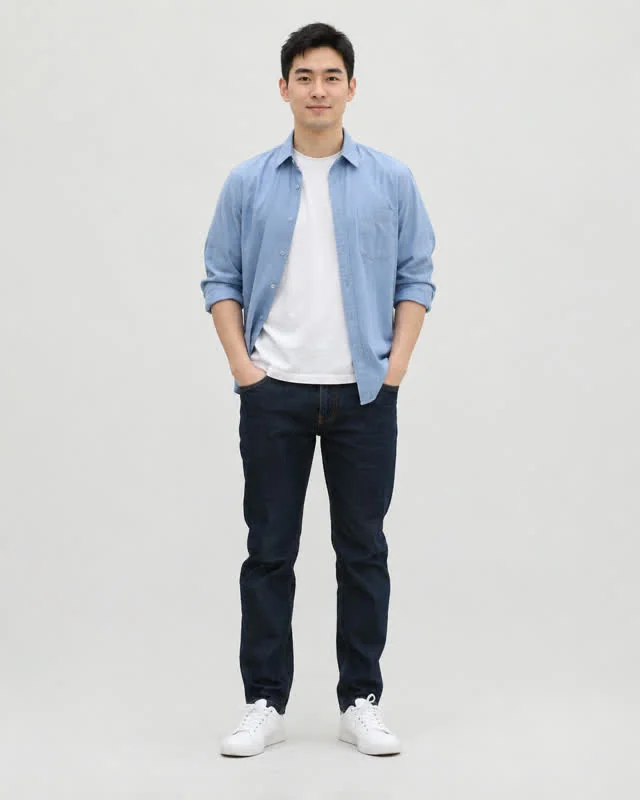
Head-to-feet photos
The face is tiny in a full-length photo, so there is little for the video to copy. Crop closer to the head and shoulders.
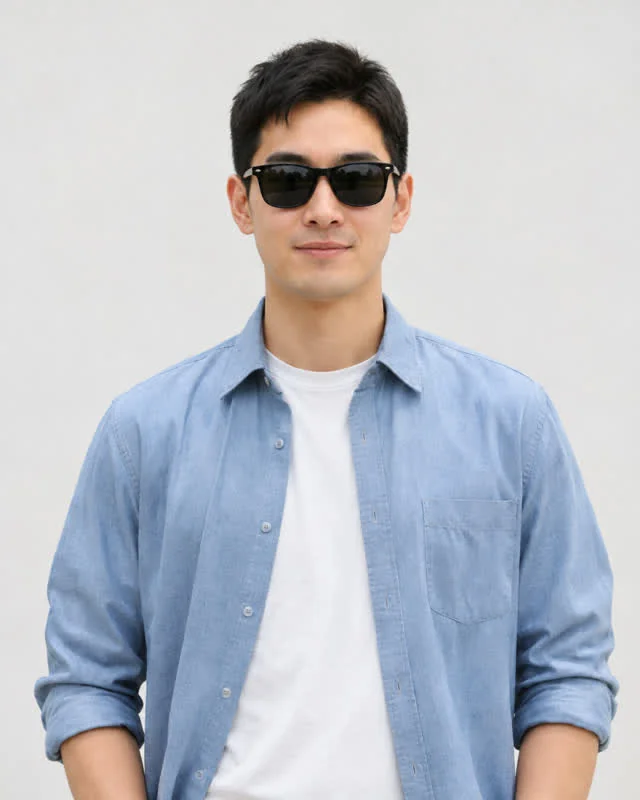
Sunglasses and hats
Hidden eyes make the face harder to keep, and the clip has no hats in it. Take them off and skip heavy filters.
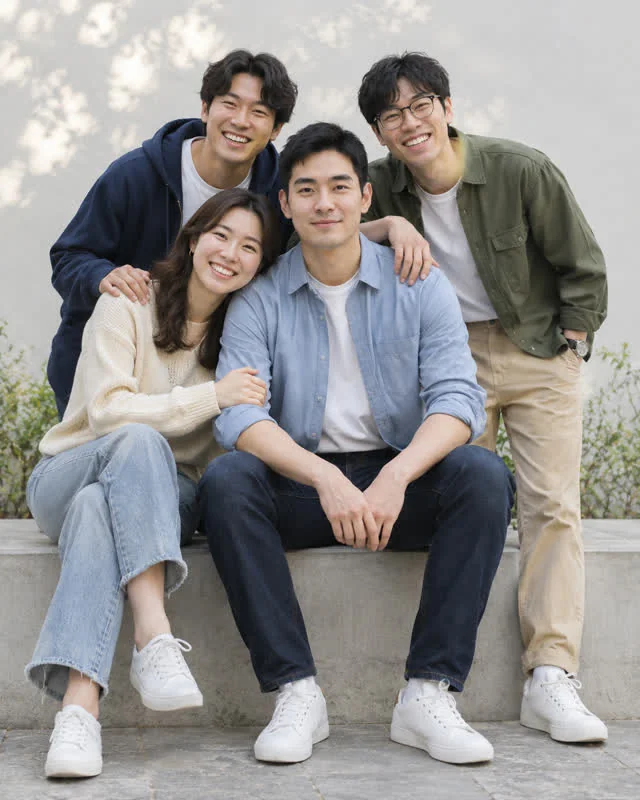
Group photos
Each spot takes one person. Crop the photo so only the person for that spot is left.
What you get with Tiny Desk AI
Five photos in, one Tiny Desk AI video out
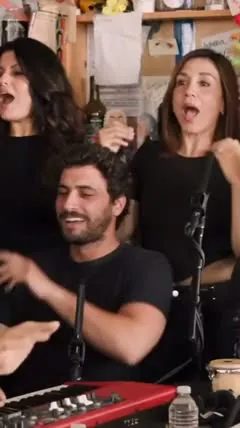
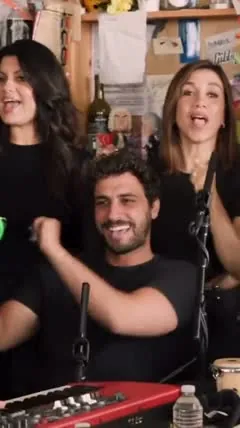
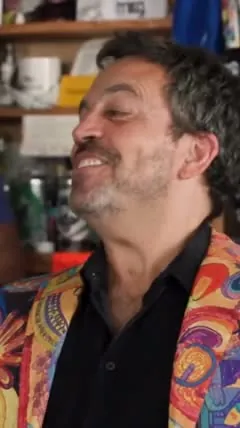
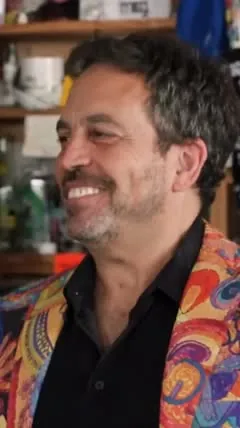
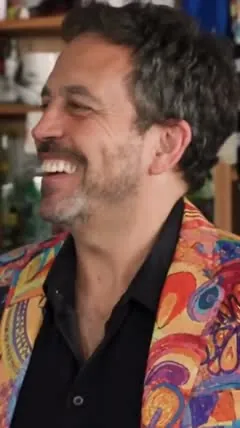
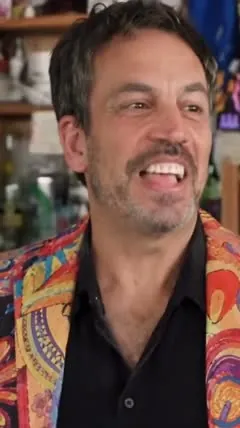
The video above is a real result of this template. We used five made-up portraits, one for each spot, and the 15-second clip came out with no editing. The photo here is the lead singer.
0s
1s
2s
3s
4s
5s
6s
7s
8s
9s
10s
11s
12s
13s
14s
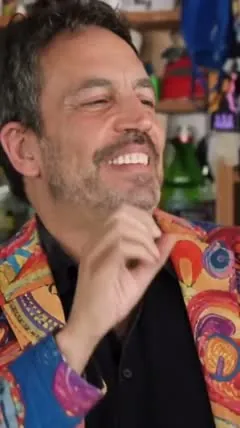
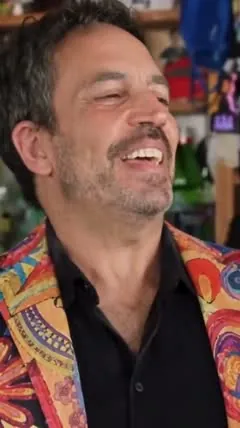
- Kept from the photos: each face, hairstyle and skin tone, and the lead singer’s bright jacket.
- Changed: the blue knit hat and gold sunglasses of the original lead singer are gone, and nothing is added that is not in the photos.
- Kept from the template: the shelves, the red keyboard, the camera cuts and the sound.
- Not swapped: the musician at the bottom edge of the sax close-up, because that spot has no photo slot.
Caption and posting
You can post the MP4 exactly as you download it. Common tags on Tiny Desk swap posts include #tinydesk, #tinydeskai and #ai. Say in the caption that the video is AI-made and not affiliated with NPR, so nobody takes it for real footage.
- #tinydesk
- #tinydeskai
- #ai
What is the Tiny Desk AI trend?
The trend in three words
Swap the band.
Tiny Desk is a concert series where a band squeezes in behind a desk in a cluttered office and plays a stripped-back set. A 2023 performance of "Outstanding" by Charlie Wilson became the base for a swap trend: people replace the musicians with someone else, such as a friend, a coach or a made-up character, and keep the room and the sound exactly as they were.
Tiny Desk AI means making that swap without editing software. You add up to five photos, one for each spot in the clip, and an AI video model puts those people into the original footage. Our template covers five spots: the lead singer, the keys player, the sax player and two backup singers. Only the lead singer is required. Browse the other AI dance templates on Tamipo if you want a different trend.
What happens in the Tiny Desk AI video, shot by shot
The room, the camera cuts and the sound are the same for everyone. Only the people change.
- 0–5s
The group shot
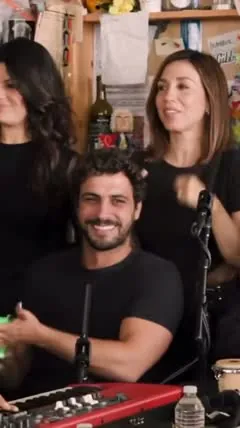
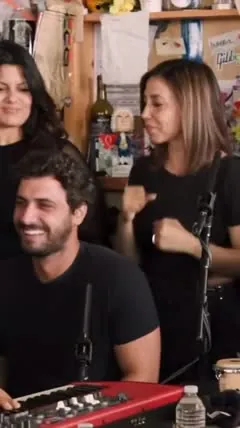
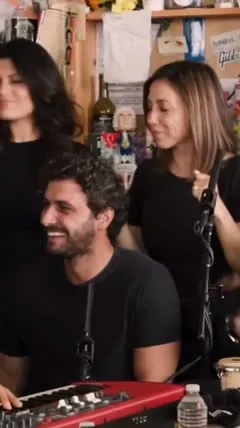
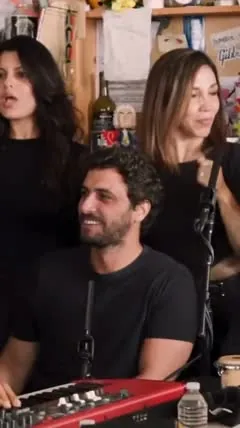
The keys player sits at the red keyboard in front, smiling and moving a hand. The two backup singers stand behind, one on each side, singing and swaying.
- 5–11s
The lead singer laughs
The camera cuts to a close-up of the lead singer in a bright jacket. He tilts his head, laughs, and raises a hand to his mouth.
- 11–15s
The sax solo
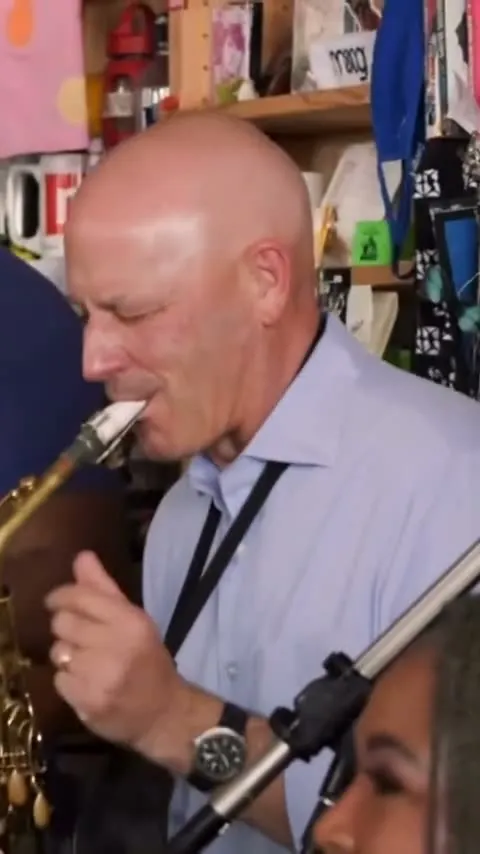
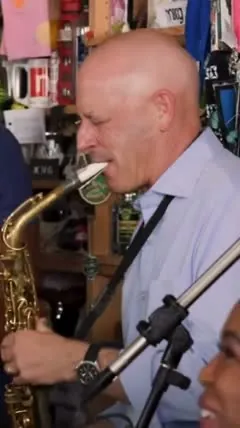
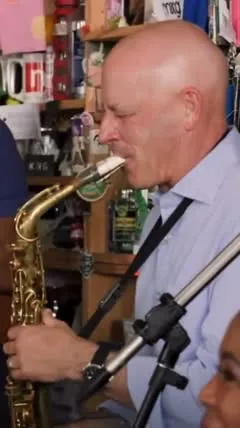
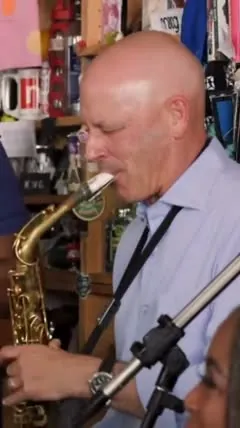
A final cut shows the sax player in close-up, playing with his eyes half closed, until the clip ends. Another musician sits at the bottom edge of the frame and is not swapped.
Where the Tiny Desk AI trend came from
2023
Charlie Wilson performs "Outstanding" at the Tiny Desk with a small band around the desk.
October 2026
A TikTok creator edits a football coach into the performance, and the idea of swapping people into the clip starts to spread. (TikTok, @theburnerfromhe11)
November 2026
Dozens of new posts appear within a few days, many of them tutorials on swapping people in with AI video tools.
If your video looks off
- The face does not look like the photo
- Use a sharper photo, closer to the face and lit from the front. The shots in this clip are close, so the face matters most.
- A person ended up in the wrong spot
- Check the label under each upload box before you create the video. The photo goes to the spot it was added to, so move it if it is in the wrong box.
- One spot still shows the original performer
- A spot with no photo keeps the original performer. Add a photo to that box and make the video again.
- You want a different take
- No two runs are identical. Swap in a sharper photo for the person you want to improve, then make another video.
Simple pricing
Buy once. No subscription. Credits come back if a video fails.
$6.99
780 credits
1 video. Valid 1 year. No watermark. Credits back if it fails.
- Popular
$16.99
2,340 credits
3 videos. Valid 1 year.
$24.99
3,900 credits
5 videos. Valid 1 year.
Tiny Desk AI AI FAQ
Do I have to add all five photos?
No. Only the lead singer is required. Any spot you leave empty keeps the original performer from the clip, so add a photo for every person you want in the video.
Which photo goes to which person?
Each upload box is labeled with a spot: lead singer, keys player, sax player, back left and back right. The lead singer has the close-up in the middle of the video, the sax player has the close-up at the end, and the other three share the group shot at the start.
Is the original sound included?
Yes. The video keeps the sound of the original performance. We do not own that recording, so check the music rules of the app you post on, because some apps mute or flag copyrighted audio.
Is this affiliated with NPR or Tiny Desk?
No. Tiny Desk is an NPR series, and this template is an independent AI tool that is not connected to NPR, the artists or anyone shown in the original clip. The example video on this page uses made-up people.
Can I use photos of friends or family?
Yes, if each person agreed and is 18 or older. Do not use photos of celebrities, public figures or anyone who has not said yes.
Will it look like me?
Usually yes: your face, hair and outfit come from your photo, but AI results vary. If it does not look right, try a clearer photo.
How long is the video and what format?
A vertical MP4 (9:16) with sound and no watermark, sized for TikTok, Reels and Shorts.
What happens to my photo?
We delete your photo within 24 hours. The finished video stays in My Creations for 30 days, then it is deleted.
What if the video fails?
The credits for that video go back to your balance automatically, and you can try again with another photo.
Is this affiliated with the Tiny Desk AI creator?
No. We are an independent tool and are not affiliated with, endorsed by or connected to the original creators or anyone shown in the trend.